
Restaurant PDF Menus
Our service process is simple, efficient, and customer-centric. We start by understanding your needs, the nature of your restaurant, your target clientele, and your existing branding.
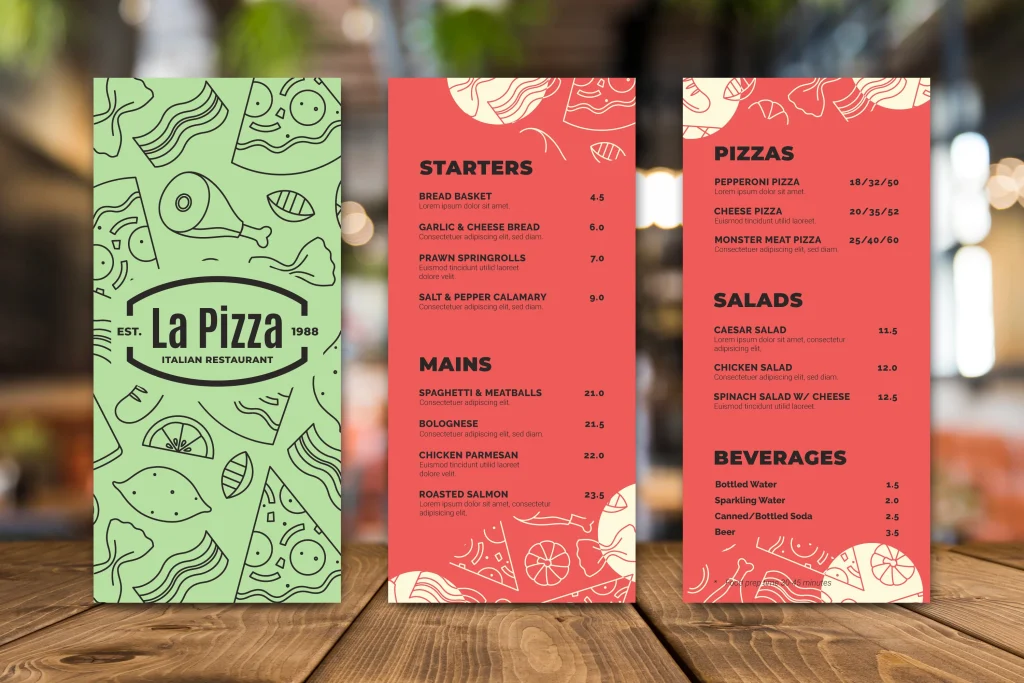
Make Your Restaurant PDF Menu Come TO Life
We are the premium hub for beautifully hand-crafted, custom-made PDF menus tailored to elevate the identity of your restaurant. We know how the details matter in the hospitality industry, and we’re here to make sure your menus don’t just list your meals but tell your story, showcasing the essence of your brand in every line, color, and font.
We harness the power of top-tier graphic design and contemporary aesthetic principles to create visually stunning PDF menus. We believe that a menu should be more than just a list of dishes and prices – it should be a captivating visual journey that intrigues, informs, and invites your customers to experience the unique offerings of your establishment. Our menus are meticulously designed to complement your branding and to make your offerings irresistible.
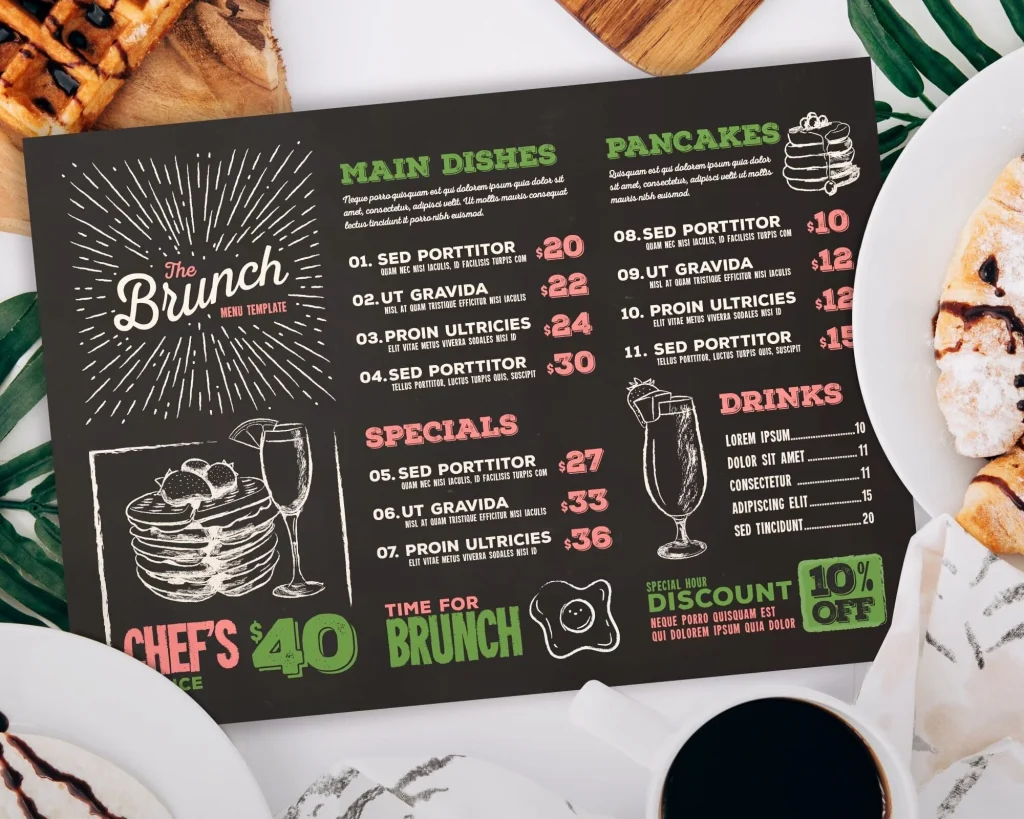
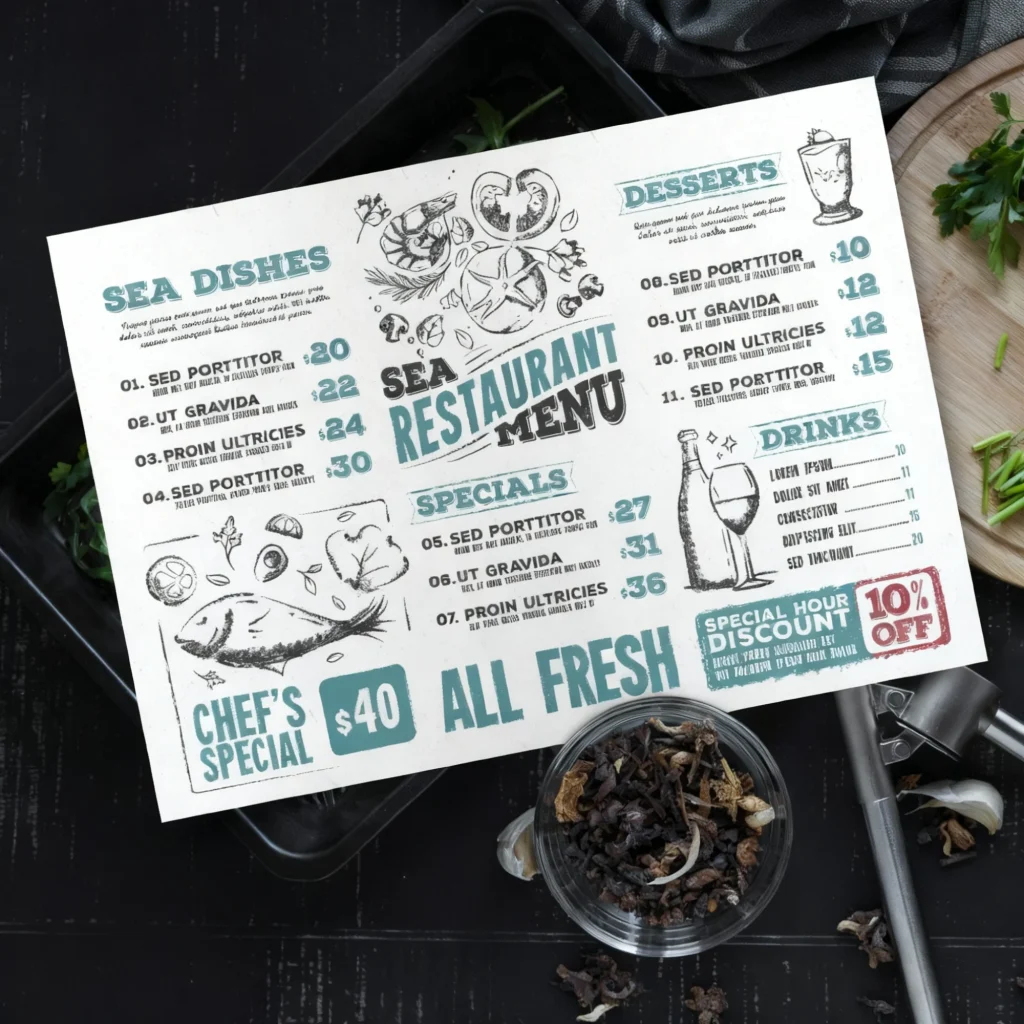
Our Restaurant PDF Menu Design Process
All restaurant PDF menus come with customized and dynamic QR Codes so you dont need to worry about reprinting the QR codes for your restaurant ever again. Don’t leave your restaurant branding up to chance! Get a custom made PDF menu, trifold or custom made digital menu that you can edit yourself and customers can scan with a QR code.
PDF Menu Frequently Asked Questions
Yes, you can edit the PDF menu if it is provided in an editable format like a Word Document or an editable PDF. However, you might need specific software such as Adobe Acrobat Pro for editing a PDF. We can also design your PDF menu using a software like Canva and providing you the access to the template so you can edit it yourself. There is no additional charges for access to your templates or source files.
You will need software like Adobe Acrobat Pro to edit a PDF file or you will need to signup to a free Canva account to edit the menu.
Yes, the whole menu will be fully editable and you can change everything including pictures, pricing, colors, fonts and even sizing.
Absolutely. You can upload the PDF menu to your website or link to it from your social media accounts. However, depending on the platform you might need to first convert the PDF menu into a JPG or PNG format. You can do this for free and in under 30 seconds using a tool like I Love PDF to help with that.
If you can’t open the PDF menu, make sure you have a PDF viewer installed on your device. Adobe Acrobat Reader is a commonly used free viewer you can download. Or you can simply use the link to your Canva template we provided.
Most of your customers smartphones should be able to view the PDF menu, however a PDF is not mobile responsive so depending on the size, design and whether your PDF is portrait or landscape it might be difficult to see the items. Instead of a PDF a responsive version of the menu on your website is recommended or an online ordering menu.


Restaurant PDF Design Case Study
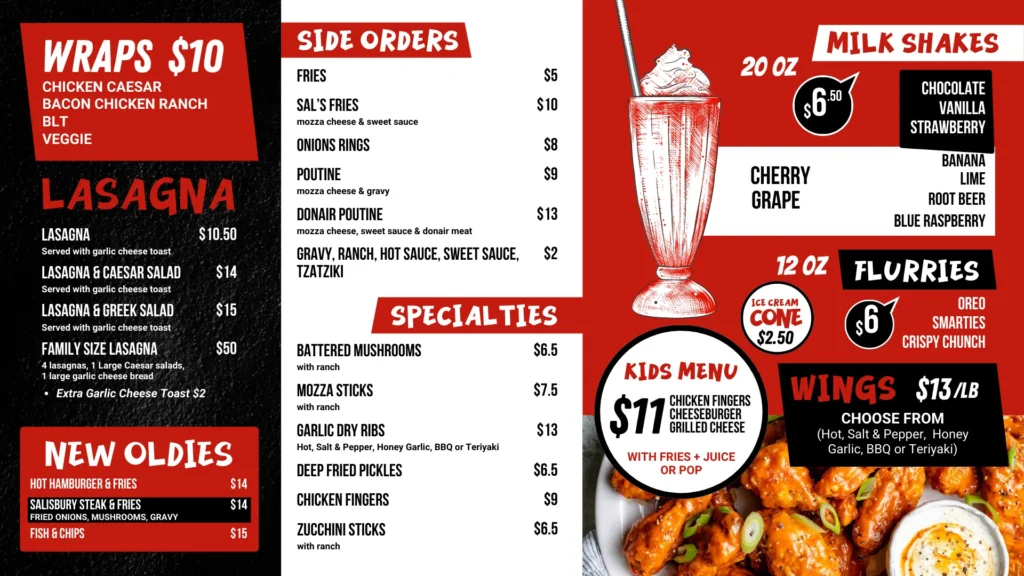
Sal’s Famous is known for their hearty portions, legendary donairs, and classic pizza combos — but their old menu wasn’t doing their food justice. It was cluttered, text-heavy, and visually inconsistent across print and TV screens. The goal was clear: modernize the look, improve readability, and create a consistent brand identity that could work for both print menus and digital TV displays.
We went with a bold black, white, and red palette — sharp, high-contrast, and easy to read from a distance. This color scheme instantly gives that American diner-meets-fast-casual energy that matches Sal’s vibe perfectly. Each section was designed to pop off the page with strong typography hierarchy:
Red headers for fast category recognition (BURGERS, DONAIRS, PIZZAS, etc.)
White space and clear grids to balance heavy text content
Photos strategically placed to anchor attention on key items
We used sans-serif fonts for a clean, confident look and a tight grid system that keeps every element perfectly aligned — no wasted space, no visual clutter.